

モデル一覧に戻る
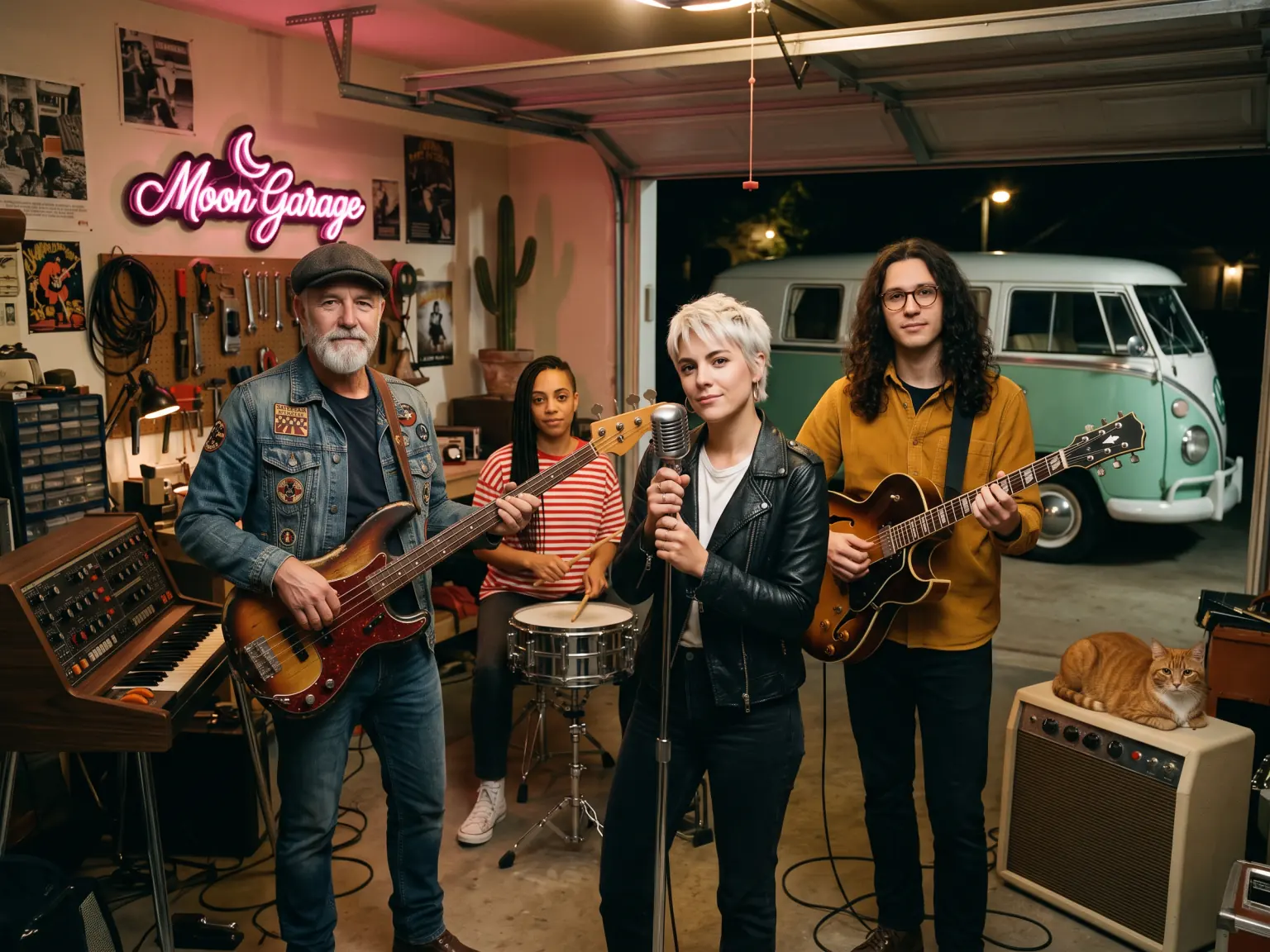
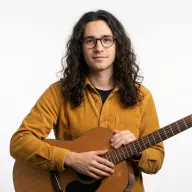
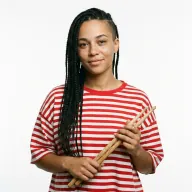
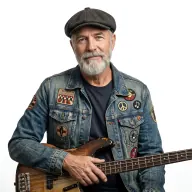
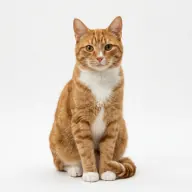
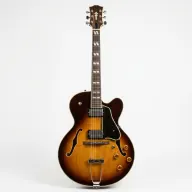
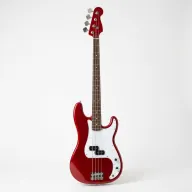
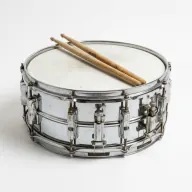
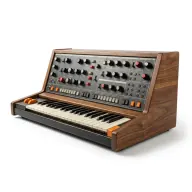
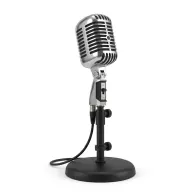
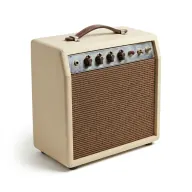
架空のバンド Moon Garage のアルバムジャケット。4人のミュージシャン、猫1匹、小物9点の計14枚の参照画像から合成
参照画像14枚 → 画像1枚

Nano Banana 2.1 の料金とAPI仕様

Google · Nano Banana画像モデル正常

Nano Banana 2.1 API は Google の最新の Nano Banana モデルを使います。テキストから生成するか、最大14枚の参照画像で編集できます。auto に加えて 8:1 から 1:8 までの14種類のアスペクト比、1K / 2K / 4K に対応し、思考レベルと Google 検索は追加料金なし、画像単位の課金です。

料金

1K の画像1枚

58%オフ
$0.014$0.034/ 枚
バリエーション

入力

参照画像(任意)

最大 14 枚・JPEG、PNG、WebP

0 / 14
アップロード
1155 / 32000
アスペクト比
解像度

その他のパラメーター

生成設定

思考レベル

描画前にモデルがどれだけ推論するかを決めます。どのレベルでも料金は同じです。

見積コスト$0.016 / 枚69%オフ提供元の公式価格 ≈ $0.050
$1 で約 63 枚

出力

実行すると結果がここに表示されます

結果のリンクは署名付きで24時間保持されます。残しておきたいものはダウンロードしてください。失敗したタスクは全額返金されます。

チャージ前に費用を確認

Nano Banana 2.1 API の画像1枚の料金

画像単位の課金で、料金は解像度だけで決まります。テキストからの生成と編集は同じ料金で、参照画像は無料です。残高と請求は USD 建てで、Alipay で支払う場合は注文時のレートで CNY に換算されます。

最初のテスト

1K の画像1枚

$0.0142$0.034/ 枚

送信時に画像1枚分の料金を確保し、完成時に課金します。失敗したタスクは全額返金されます。

チャージ1回で生成できる枚数(1K で計算)

$10プロンプトを調整して結果を確認
約705枚
$50商品写真や SNS 画像をまとめて
約3,527枚
$100自社プロダクト内での小規模な展開
約7,055枚

$5 から · 残高に有効期限なし

チャージする →

よくある費用

テキストから画像

1K · 生成

$0.0142$0.034

最も安い解像度帯。まずここでプロンプトを調整します

編集 · 参照画像14枚

1K · 編集

$0.0142

参照画像は無料(Google では入力トークンとして課金)

2K の画像

2K

$0.0157$0.050

SNS 投稿や商品ページに十分

4K の画像

4K

$0.0189$0.113

印刷や大画面に

解像度1K2K4K
1枚あたり$0.0142$0.034$0.0157$0.050$0.0189$0.113

取り消し線の料金は Google の Gemini API の公式価格で、トークン単価から画像1枚あたりに換算したものです。成功した画像ごとに、その解像度の料金を支払います。失敗した分は無料です。

Nano Banana 2.1 について

Nano Banana 2.1:文字がより鮮明で、編集も安定した Google のモデル

Nano Banana 2.1 は Google が2026年10月6日に公開した Nano Banana 画像モデルです。Google は、全体の画質がよりきれいになったこと、画像内の文字がより読みやすくなったこと、同じ画像を何ターンも編集しても結果が安定することを挙げています。Nano Banana 2.1 API では、ポスターや広告クリエイティブの制作、商品写真の仕上げ、最新の事実にもとづくビジュアル、8:1 から 1:8 までのバナーなどを作れます。

Nano Banana 2.1 でできること

Nano Banana 2.1 のプロンプト例

各機能には、APIKO のテストか Google の例かを明記したサンプルを付けています。上限は下のパラメーターカードを参照してください。

広告ポスター · 2K · 16:9

APIKO のテスト · 2K テキストから画像 · 2752×1536 · thinking high

そのまま使えるタイポグラフィ

見出し、キャッチコピー、小さなラベルが画像の一部として描画されます。このポスターでは「SMALL BANANA. BIG IMAGINATION.」から小さな注記まで、すべての行が書いたとおりのスペルで出力されました。

文言を引用符で正確に書き、それぞれの配置を指定してください。この例は 2K、16:9、thinking_level high で生成しました。

プロンプト(送信したまま)

Create an award-worthy creative advertising poster with the concept: “One banana, an entire future world.” The hero subject is a large, ripe banana resting on a pale cream photography surface, occupying approximately the right two-thirds of the composition. Its naturally curved peel has realistic fine fibers, tiny freckles, and a subtle organic sheen. It must look like a real banana, never a plastic toy. One side of the banana is elegantly peeled open, with three strips of peel draping naturally onto the surface. Inside, instead of ordinary fruit, reveal a beautifully crafted miniature futuristic city: transparent glass buildings, elevated walkways, small botanical conservatories, and a flowing blue canal. The buildings follow the inner curve of the banana. Every structure sits convincingly within the banana, with coherent perspective and believable spatial relationships. A tiny pedestrian bridge extends from the city onto the photography surface. At the end of the bridge, a miniature person wearing a yellow raincoat looks up at the city, creating a striking sense of scale. Warm light glows from the buildings, revealing distinct textures across glass, water, plants, and banana peel. Combine luxury product photography with highly detailed miniature architectural photography. Use soft side and back lighting, natural contact shadows, and crisp detail throughout the banana and miniature city. Keep the background clean. The palette consists of cream white, banana yellow, and restrained accents of icy blue. The scene should feel imaginative while maintaining realistic optics and lighting. Reserve the left side for elegant typography. Render exactly the following English text: Small heading at the top: “NANO BANANA 2.1” Large headline in the middle, arranged on two lines: “SMALL BANANA.” “BIG IMAGINATION.” Smaller supporting line underneath: “Give every idea a world of detail.” Brand signature at the bottom left: “APIKO” All text must be spelled correctly, sharp, and clearly readable. Use refined modern sans-serif typography with consistent alignment, generous spacing, and a strong visual hierarchy. Do not add any other words, duplicate letters, random symbols, or extra logos. Typography must never overlap the banana. The final image should look ready for a premium brand launch: a striking hero subject, bold composition, intricate details, and restrained editorial typography. Avoid cluttered backgrounds, excessive glow, generic science-fiction imagery, and cartoon styling. Landscape composition, 16:9 aspect ratio.
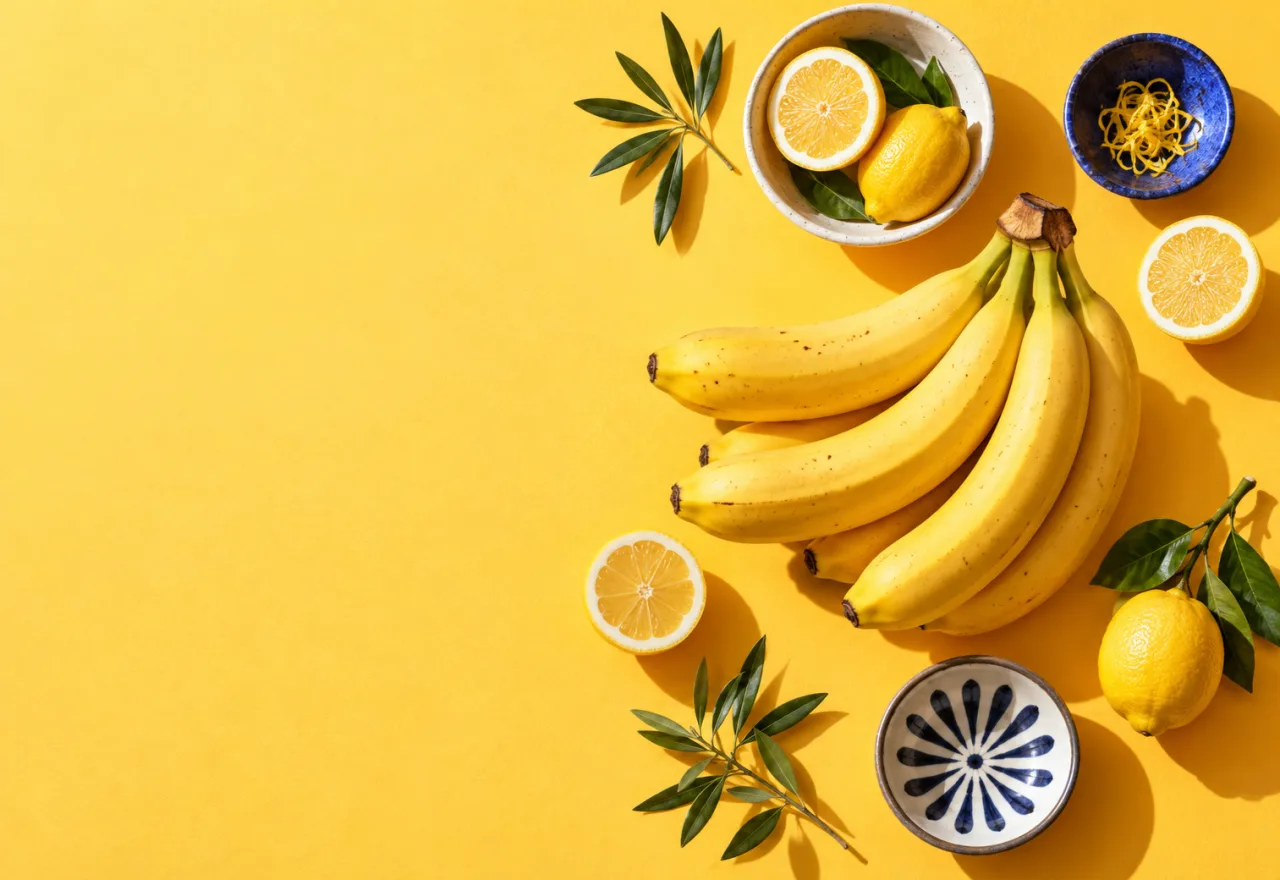
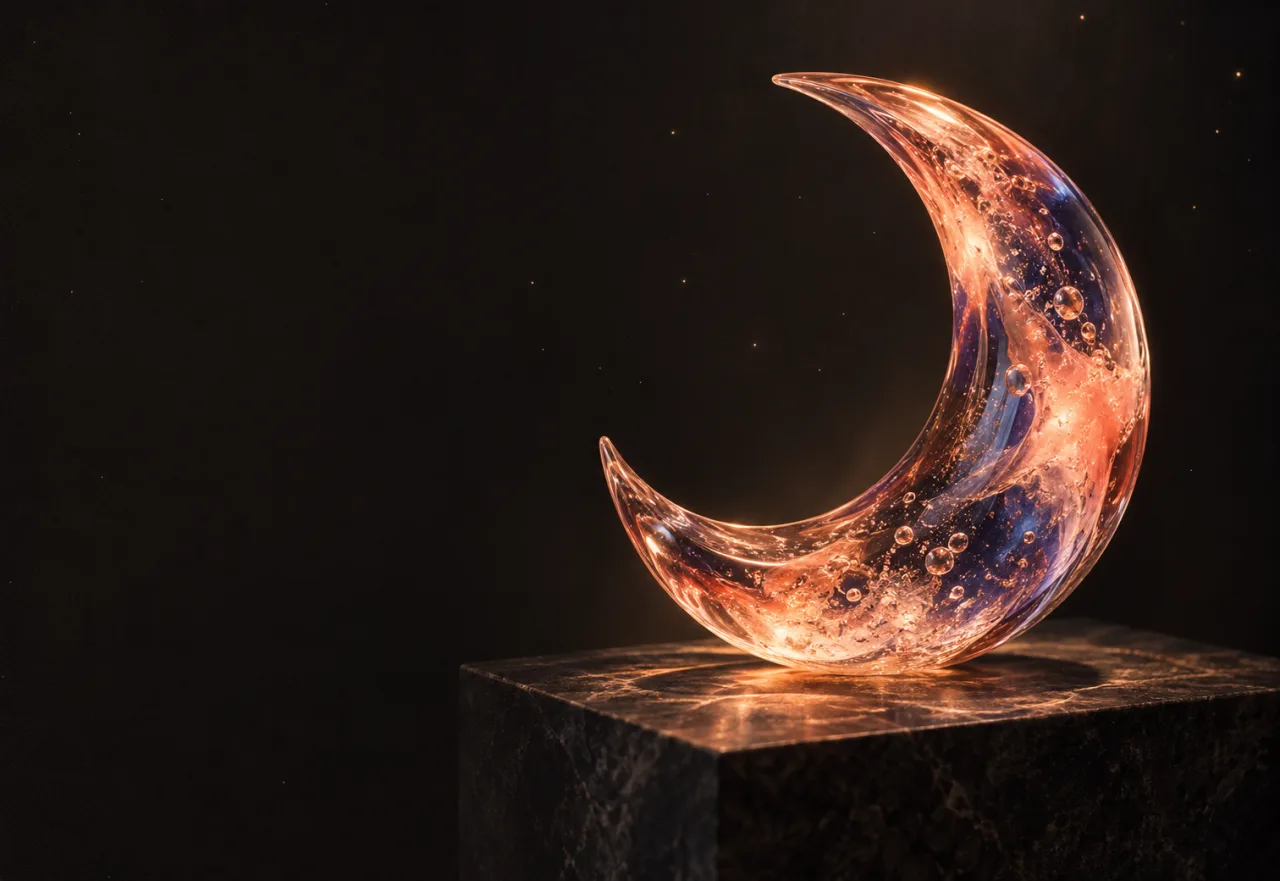
参照画像:以前に生成したメニューカード
Nano Banana 2.1 で編集 · 1K

APIKO のテスト · 1K 編集 · C2PA: Google LLC

一貫性のある複数ターン編集

参照画像を渡し、何を変えて何を残すかを書きます。この例ではテーブルがグレーの大理石になってラテが加わり、メニューカードとそこに書かれた価格はすべてそのまま残っています。

APIKO では1リクエストで最大14枚の参照画像を使えます。さらに仕上げるときは、直前の結果を参照画像として送り返してください。

プロンプト(送信したまま)

Keep the menu card and every word on it unchanged. Replace the wooden table with grey marble and add a latte beside the card.

thinking_level: minimal
thinking_level: high

APIKO のテスト · 同じプロンプト、2つの thinking レベル · C2PA: Google LLC

難しいレイアウトには thinking レベル

thinking_level は描画前にモデルがどれだけ推論するかを設定します。minimal、medium、high から選べ、省略するとモデルが判断します。このメニューのプロンプトではどちらのレベルでも全行が正しく描かれました。文字がより多い場合や複雑なレイアウトでは上げてください。

APIKO ではどのレベルでも料金は同じです。プレイグラウンドの「その他のパラメーター」で設定できます。

プロンプト(送信したまま)

A flat lay photo of a printed cafe menu card on a wooden table. The card reads, exactly: title "HARBOR BEANS", then three lines "Flat White $4.50", "Cold Brew $5.25", "Cardamom Bun $3.75", and a footer "Open daily 7am - 3pm". Natural window light.

web_search · 3:4
image_search · 16:9

APIKO のテスト · 1K · C2PA: Google LLC

Google 検索によるグラウンディング

web_search をオンにすると、モデルは描く前に Google で情報を調べます。東京のポスターのレスポンスには検索グラウンディングの情報が付いていました。image_search は、この例のリアルト橋のように Google 画像検索からビジュアルの参考を取り込みます。

どちらもデフォルトはオフで、APIKO では無料です。公開前に日付と数値を確認してください。このポスターは東京時間の11月8日0時過ぎに作成したのに、東京の11月7日午後の様子が描かれています。

プロンプト(送信したまま)

A poster of today's weather forecast for Tokyo with the real current temperature

8:1 · 2K · 5856×704
8:1 · 1K · 2928×352

APIKO のテスト · 8:1 · C2PA: Google LLC

8:1 のバナーから 1:8 の縦長まで

auto と14種類のアスペクト比で、正方形の投稿、4:5 のフィード、16:9 や 21:9 のヒーロー画像、4:1・8:1・1:4・1:8 の極端に細長い帯状画像までカバーします。バナーを正方形から切り抜く必要はありません。

当社のテストでは、8:1 は 1K で 2928×352、2K で 5856×704 で返りました。

プロンプト(送信したまま)

A panoramic city skyline at dusk along a river, warm windows, no text.

Nano Banana 2.1 が向いている用途

ポスター・広告クリエイティブ

見出しとキャッチコピーを画像内に描画した商品のメインビジュアルを、ローンチやキャンペーンにそのまま使えます。

2Kthinking_level: high

商品画像の反復改善

商品、ライティング、シーンを保ったまま、1枚の商品写真を何度も編集して仕上げられます。

images ≤ 142K

タイムリーなビジュアル

イベントのまとめ、天気、ニュースに出た場所など、最新の事実にもとづく画像には web_search をオンにします。

web_search1K

バナー・特殊なサイズ

Web サイトの帯、ストーリーズの画面、EC モールのバナーを、正方形の画像を切り抜かずに 8:1 から 1:8 まで作れます。

8:1 / 1:82K

Nano Banana 2.1 の仕様

nano-banana-2.1 のリクエストボディの全フィールドです。デフォルト値は API のものです。

modelstring

モデル ID は常に nano-banana-2.1 です。

デフォルト:必須

promptstring

描く内容。画像に必ず入れる文字は引用符で囲みます。

デフォルト:必須

sizeenum

アスペクト比:auto, 1:1, 1:4, 4:1, 1:8, 8:1, 2:3, 3:2, 3:4, 4:3, 4:5, 5:4, 9:16, 16:9, 21:9。編集で省略すると参照画像の比率が保たれます。

デフォルト:1:1

resolutionenum

1k, 2k, 4k。解像度帯ごとの料金です。

デフォルト:1k

imagesarray

参照画像の公開 HTTPS リンク、1〜14枚。POST /v1/images/edits では必須です。

デフォルト:省略

thinking_levelenum

描く前にモデルがどれだけ推論するか:minimal、medium、high。省略するとモデルが判断します。

デフォルト:省略

web_searchboolean

Google の Web 検索をもとに画像を生成します(時事、実在の場所)。追加料金なし。

デフォルト:false

image_searchboolean

Google 画像検索の結果をビジュアルの参考に使います。追加料金なし。

デフォルト:false

ninteger

1リクエストにつき1枚。

デフォルト:1

asyncboolean

true にするとすぐにタスク ID が返ります。GET /v1/tasks/{id} でポーリングしてください。

デフォルト:false

response_formatenum

url(24時間保持される署名付きリンク)または b64_json。

デフォルト:url

callback_urlstring

タスク完了時に通知を受ける HTTPS URL。指定しない場合はタスクをポーリングします。

デフォルト:省略

nano-banana-2.1 の使い方

アイデアを書き、必要なら参照画像を追加して、3ステップで作成できます。

01

被写体とシーンを説明する

まず被写体、舞台、目的を書き、続けて素材、光、カメラ、画像に入れたい文字を加えます。

02

出力を選ぶ

テキストから生成するか、参照画像の URL を追加して編集します。アスペクト比と解像度を選んでください。1回の実行で画像が1枚返ります。

03

確認してから API を呼び出す

ここで結果を確認してから、同じプロンプトとモデル ID で非同期タスクを作成します。

Nano Banana 2.1 API クイックスタート

使い方は2通りで、API キーも残高も1つです。自分のコードから API を呼び出すか、APIKO MCP を通じて Claude Code や Codex に呼び出させます。

方法1 · 自分のコードから API を呼び出す

向いている用途:プロダクトのバックエンド、バッチ処理、自動化

1

認証

コンソールで API キーを作成し、環境変数 APIKO_API_KEY に保存して、すべてのリクエストに Authorization: Bearer <key> を付けて送ります。

2

nano-banana-2.1 のタスクを送信

モデル ID、プロンプト、async: true を POST /v1/images/generations に送ると、すぐにタスク ID が返ります。

3

結果を取得

ステータスが completed になるまで GET /v1/tasks/{id} をポーリングし、data[0].url を読み取ります。結果のリンクは24時間で期限切れになるので、早めにダウンロードしてください。

API ドキュメントを読む
POST /v1/images/generations
TASK_ID=$(curl https://api.apiko.app/v1/images/generations \
  -H "Authorization: Bearer $APIKO_API_KEY" \
  -H "Content-Type: application/json" \
  -d '{
  "model": "nano-banana-2.1",
  "prompt": "Create an award-worthy creative advertising poster with the concept: “One banana, an entire future world.”\nThe hero subject is a large, ripe banana resting on a pale cream photography surface, occupying approximately the right two-thirds of the composition. Its naturally curved peel has realistic fine fibers, tiny freckles, and a subtle organic sheen. It must look like a real banana, never a plastic toy.\nOne side of the banana is elegantly peeled open, with three strips of peel draping naturally onto the surface. Inside, instead of ordinary fruit, reveal a beautifully crafted miniature futuristic city: transparent glass buildings, elevated walkways, small botanical conservatories, and a flowing blue canal. The buildings follow the inner curve of the banana. Every structure sits convincingly within the banana, with coherent perspective and believable spatial relationships.\nA tiny pedestrian bridge extends from the city onto the photography surface. At the end of the bridge, a miniature person wearing a yellow raincoat looks up at the city, creating a striking sense of scale. Warm light glows from the buildings, revealing distinct textures across glass, water, plants, and banana peel.\nCombine luxury product photography with highly detailed miniature architectural photography. Use soft side and back lighting, natural contact shadows, and crisp detail throughout the banana and miniature city. Keep the background clean. The palette consists of cream white, banana yellow, and restrained accents of icy blue. The scene should feel imaginative while maintaining realistic optics and lighting.\nReserve the left side for elegant typography. Render exactly the following English text:\nSmall heading at the top:\n“NANO BANANA 2.1”\nLarge headline in the middle, arranged on two lines:\n“SMALL BANANA.”\n“BIG IMAGINATION.”\nSmaller supporting line underneath:\n“Give every idea a world of detail.”\nBrand signature at the bottom left:\n“APIKO”\nAll text must be spelled correctly, sharp, and clearly readable. Use refined modern sans-serif typography with consistent alignment, generous spacing, and a strong visual hierarchy. Do not add any other words, duplicate letters, random symbols, or extra logos. Typography must never overlap the banana.\nThe final image should look ready for a premium brand launch: a striking hero subject, bold composition, intricate details, and restrained editorial typography. Avoid cluttered backgrounds, excessive glow, generic science-fiction imagery, and cartoon styling.\nLandscape composition, 16:9 aspect ratio.",
  "size": "1:1",
  "resolution": "1k",
  "async": true
}' | python3 -c 'import json,sys; print(json.load(sys.stdin)["id"])')

while :; do
  TASK=$(curl -s https://api.apiko.app/v1/tasks/$TASK_ID \
    -H "Authorization: Bearer $APIKO_API_KEY")
  printf '%s\n' "$TASK"
  printf '%s' "$TASK" | grep -qE '"status": *"(completed|failed)"|"error": *\{' && break
  sleep 5
done

方法2 · Claude Code や Codex から呼び出す

向いている用途:手早いクリップ作成、プロンプトのテスト、エージェントに連携コードを書かせる

1

APIKO MCP をインストール

キーは環境変数に保存し、チャットには絶対に貼らないでください。

2

エージェントにやりたいことを伝える

描きたい内容、形、サイズ、品質、それに予算の上限。

3

エージェントが見積もり・送信・追跡を行う

estimate_cost で料金を確認し、generate_image で送信すると画像のリンクが返ってきます。

# Claude Code

claude mcp add apiko --scope user -e APIKO_API_KEY=sk-... -- npx -y apiko-mcp

# Codex

codex mcp add apiko --env APIKO_API_KEY=sk-... -- npx -y apiko-mcp

エージェント用プロンプト

APIKO の nano-banana-2.1 で画像を1枚生成してください:1K、1:1。プロンプト:<ここに作りたい画像を書く>。まず estimate_cost で見積もり、$1 を超える場合は私に確認してください。確認後に generate_image で送信し、画像のリンクを送ってください。失敗した場合は理由を教えてください。

Nano Banana 2.1 で画像を作ってみる

ここのプレイグラウンドでプロンプト、比率、解像度、thinking レベル、検索グラウンディングを試し、同じモデル ID で APIKO API を呼び出してください。

API キーを取得

Google のほかのモデル

APIKO で使える Google の画像・テキストモデルを見て、タスクごとに合うものを選べます。

Nano Banana 2.1 のよくある質問

Nano Banana 2.1 とはどんなモデルで、いつ公開されましたか?

Nano Banana 2.1 は Google の画像生成・編集モデルで、Nano Banana 2 の後継として2026年10月6日に公開されました。APIKO でのモデル ID は nano-banana-2.1 です。

Nano Banana 2 とは何が違いますか?

Google によると、全体の画質、タイポグラフィとテキスト描画、複数ターンにわたる編集での一貫性が向上しています。APIKO では受け付ける範囲も広がり、アスペクト比は8種類から14種類と auto に、参照画像は9枚から最大14枚になり、thinking_level と web_search / image_search によるグラウンディングにも対応しました。

どの解像度とアスペクト比に対応していますか?

resolution は 1k、2k、4k(デフォルトは 1k)です。size は 1:1、1:4、4:1、1:8、8:1、2:3、3:2、3:4、4:3、4:5、5:4、9:16、16:9、21:9 か、モデルに任せる auto を指定できます。size を省略すると、生成では 1:1、編集では参照画像の比率になります。比率の異なる参照画像を複数渡すとモデルがどれかを選ぶため、固定したい場合は size を指定してください。

thinking_level は何をしますか?

描画前にモデルがどれだけ推論するかを設定します。minimal、medium、high から選べ、省略するとモデルのデフォルトになります。高いレベルは文字の多い画像や複雑なレイアウトに効果的なことがあります。料金はどのレベルでも同じです。

Google 検索は使えますか?追加料金はかかりますか?

使えます。"web_search": true を送ると Google 検索の結果(時事、実在の場所、事実)をもとに画像を生成し、"image_search": true を送ると Google 画像検索の結果をビジュアルの参考に使います。どちらもデフォルトは false です。Google 自身の API では検索グラウンディングが別途課金されますが、APIKO ではどちらをオンにしても料金は変わりません。

参照画像は何枚送れますか?

POST /v1/images/edits では最大14枚まで送れます。それぞれ画像ファイルの公開 HTTPS URL で渡してください。ファイルのアップロード、base64、data URL は受け付けません。ローカルの画像は先に POST /v1/uploads/images にアップロードし、返された URL(72時間保持)を使ってください。

APIKO での Nano Banana 2.1 の料金は?

解像度帯ごとの画像単位の課金で、1K が最も安く 4K が最も高くなります。thinking_level と検索グラウンディングで料金は変わらず、失敗したタスクは返金されます。料金タブで各解像度帯のリアルタイム料金を Google の公式価格と並べて確認できます。

同期ですか、非同期ですか?

どちらにも対応しています。"async": true を送るとすぐにタスク ID が返り、GET /v1/tasks/{id} でポーリングできます。公開 HTTPS の callback_url を追加すれば、タスク完了時に通知を受け取れます。結果のリンクは24時間保持されます。

インペインティング用のマスクに対応していますか?

対応していません。Nano Banana 2.1 は mask フィールドを HTTP 400(mask is not supported)で拒否します。一部だけを変えたい場合は、POST /v1/images/edits で画像を参照画像として送り、どこを何に変えるかをプロンプトに書いてください。そこに何を入れるかを示す参照画像を追加することもできます。

Nano Banana 2.1 はどのように課金されますか?

成功した呼び出し1回ごとに、公開している1回あたりの料金または選んだ段階の料金で課金します。返金のルールは、下の「失敗したリクエスト」の質問を参照してください。

OpenAI 互換ですか?

はい。ゲートウェイのベース URL と API キーを使い、上に示したモデル専用の画像・動画エンドポイントと追加フィールドを指定してください。

API キーはどうやって取得しますか?

新規登録して、コンソールで API キーを作成してください。API キー1つでゲートウェイ上のすべてのモデルを呼び出せます。

Nano Banana 2.1 API の無料トライアルはありますか?

はい。Gmail アドレスで Google ログインすると、$0.20 のトライアルクレジットが残高に追加されます。カードは不要で、1人1回までです。nano-banana-2.1 を含むすべてのモデルで使えます。

生成したファイルはどうやって受け取りますか?

画像は非同期です。リクエストを送信したら GET /v1/tasks/<id> をポーリングし、data[0].url を読み取ります。動画も非同期で、GET /v1/videos/<id> をポーリングしてから video_url をダウンロードします。APIKO の署名付きリンクは24時間保持されます。

リクエストが失敗したらどうなりますか?

失敗した呼び出しやエラーになった呼び出しは課金されません。再試行しても失敗が続く場合は、ページ右下のライブチャットからお問い合わせください。

ページ更新日