

모델 목록으로 돌아가기
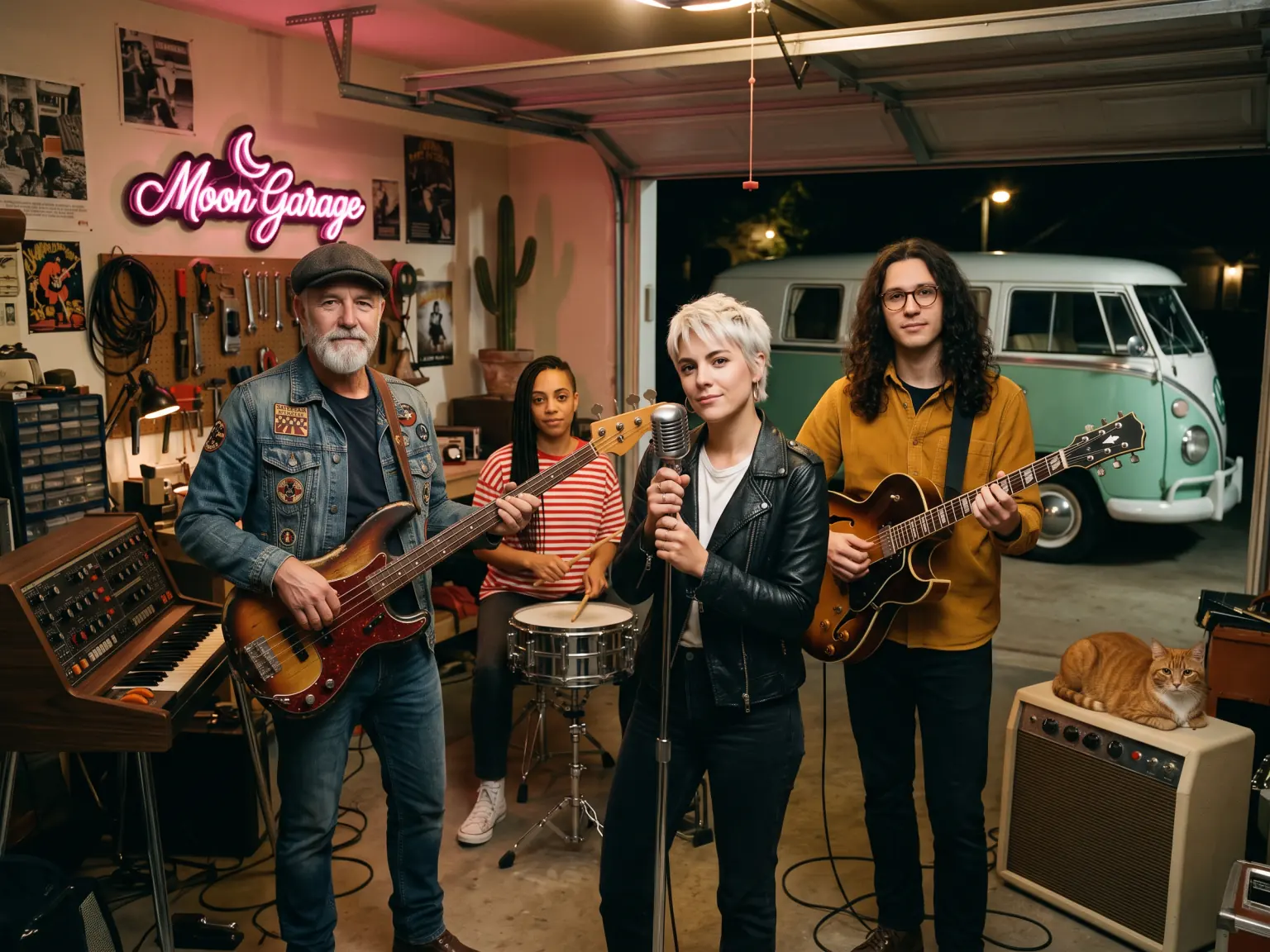
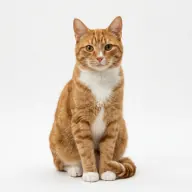
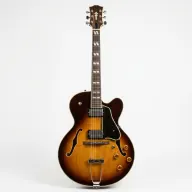
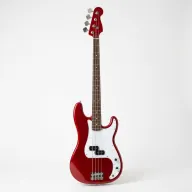
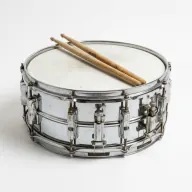
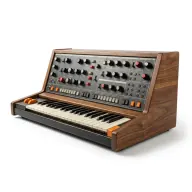
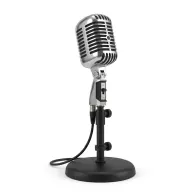
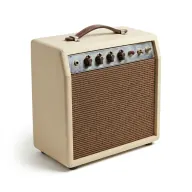
참조 이미지 14장(밴드 멤버 4명, 고양이 1마리, 소품 9개)으로 합성한 가상의 밴드 Moon Garage 앨범 커버
참조 이미지 14장 → 1장

Nano Banana 2.1 API

Google · Nano Banana이미지 모델정상

Nano Banana 2.1 API는 Google의 최신 Nano Banana 모델을 호출합니다. 텍스트로 이미지를 만들거나 참고 이미지를 최대 14장까지 넣어 편집할 수 있고, auto와 화면비 14종(8:1~1:8), 1K / 2K / 4K를 지원합니다. 사고 수준과 Google 검색은 추가 요금이 없으며 장당 과금입니다.

가격

1K 이미지 1장

58% 할인
$0.014$0.034/ 장
변형

입력

참조 이미지(선택)

최대 14장 · JPEG, PNG 또는 WebP

0 / 14
업로드
2552 / 32000
화면비
해상도

추가 파라미터

생성 설정

사고 수준

이미지를 그리기 전에 모델이 얼마나 추론할지 정합니다. 모든 수준의 가격은 같습니다.

예상 비용$0.016 / 장69% 할인공식 정가 약 $0.050
$1 기준≈ 63장

출력

예시 출력2K16:9사고 수준: 높음

결과 링크는 서명된 링크로 24시간 동안 보관됩니다. 보관하려면 다운로드하세요. 실패한 작업은 전액 환불됩니다.

충전 전에 비용 먼저 확인

Nano Banana 2.1 API 이미지 1장 가격

장당 과금이며 가격은 해상도로만 정해집니다. 텍스트 생성과 편집은 같은 가격이고 참고 이미지는 따로 과금하지 않습니다. 잔액과 요금은 USD 기준이며, Alipay 결제는 주문 시점 환율로 위안화로 환산됩니다.

첫 테스트

1K 이미지 1장

$0.0142$0.034/ 장

제출할 때 이미지 1장 가격을 보류하고 완성되면 차감합니다. 실패한 작업은 전액 환불됩니다.

충전 금액별 이미지 수(1K 기준)

$10프롬프트 조정과 결과 확인
약 705장
$50상품 이미지나 소셜 이미지 한 묶음
약 3,527장
$100제품에 연동해 소규모 출시
약 7,055장

$5부터 충전 · 잔액 만료 없음

충전하기 →

자주 쓰는 설정의 비용

텍스트로 생성

1K · 생성

$0.0142$0.034

가장 저렴한 단계라 프롬프트 조정에 먼저 쓰세요

편집 · 참고 이미지 14장

1K · 편집

$0.0142

참고 이미지는 무료이며, Google은 입력 토큰으로 따로 과금합니다

2K 이미지

2K

$0.0157$0.050

소셜 게시물과 상세 페이지에 충분

4K 이미지

4K

$0.0189$0.113

인쇄와 대형 화면

해상도1K2K4K
장당$0.0142$0.034$0.0157$0.050$0.0189$0.113

취소선 가격은 Google Gemini API의 토큰 단가를 장당으로 환산한 공식 가격입니다. 성공한 이미지 장수와 해상도로 과금하며 실패는 과금하지 않습니다.

Nano Banana 2.1 소개

Nano Banana 2.1: 더 선명한 텍스트와 안정적인 편집을 갖춘 Google 모델

Nano Banana 2.1은 Google이 2026년 10월 6일에 공개한 Nano Banana 이미지 모델입니다. Google은 더 깨끗한 화질, 더 또렷한 이미지 속 글자, 같은 이미지를 여러 번 편집할 때의 안정성을 강조합니다. Nano Banana 2.1 API로 포스터와 광고 이미지, 반복 수정하는 상품 이미지, 최신 정보를 반영한 이미지, 8:1~1:8 배너를 만들 수 있습니다.

Nano Banana 2.1로 할 수 있는 일

Nano Banana 2.1 프롬프트 예시

기능마다 APIKO 직접 테스트 또는 Google 공식 예시임을 표시한 샘플을 넣었습니다. 필드와 한도는 아래 파라미터 카드를 참고하세요.

광고 포스터 · 2K · 16:9

APIKO 직접 테스트 · 2K 텍스트→이미지 · 2752×1536 · thinking high

바로 쓸 수 있는 타이포그래피

제목, 슬로건, 작은 라벨도 이미지 안에 바로 그려집니다. 이 포스터는 “SMALL BANANA. BIG IMAGINATION.”부터 아래쪽 작은 글씨까지 모든 줄이 프롬프트대로 나왔습니다.

들어갈 글자는 따옴표 안에 그대로 적고 위치도 적으세요. 이 이미지는 2K, 16:9, thinking_level high로 만들었습니다.

프롬프트 (원문)

Create an award-worthy creative advertising poster with the concept: “One banana, an entire future world.” The hero subject is a large, ripe banana resting on a pale cream photography surface, occupying approximately the right two-thirds of the composition. Its naturally curved peel has realistic fine fibers, tiny freckles, and a subtle organic sheen. It must look like a real banana, never a plastic toy. One side of the banana is elegantly peeled open, with three strips of peel draping naturally onto the surface. Inside, instead of ordinary fruit, reveal a beautifully crafted miniature futuristic city: transparent glass buildings, elevated walkways, small botanical conservatories, and a flowing blue canal. The buildings follow the inner curve of the banana. Every structure sits convincingly within the banana, with coherent perspective and believable spatial relationships. A tiny pedestrian bridge extends from the city onto the photography surface. At the end of the bridge, a miniature person wearing a yellow raincoat looks up at the city, creating a striking sense of scale. Warm light glows from the buildings, revealing distinct textures across glass, water, plants, and banana peel. Combine luxury product photography with highly detailed miniature architectural photography. Use soft side and back lighting, natural contact shadows, and crisp detail throughout the banana and miniature city. Keep the background clean. The palette consists of cream white, banana yellow, and restrained accents of icy blue. The scene should feel imaginative while maintaining realistic optics and lighting. Reserve the left side for elegant typography. Render exactly the following English text: Small heading at the top: “NANO BANANA 2.1” Large headline in the middle, arranged on two lines: “SMALL BANANA.” “BIG IMAGINATION.” Smaller supporting line underneath: “Give every idea a world of detail.” Brand signature at the bottom left: “APIKO” All text must be spelled correctly, sharp, and clearly readable. Use refined modern sans-serif typography with consistent alignment, generous spacing, and a strong visual hierarchy. Do not add any other words, duplicate letters, random symbols, or extra logos. Typography must never overlap the banana. The final image should look ready for a premium brand launch: a striking hero subject, bold composition, intricate details, and restrained editorial typography. Avoid cluttered backgrounds, excessive glow, generic science-fiction imagery, and cartoon styling. Landscape composition, 16:9 aspect ratio.
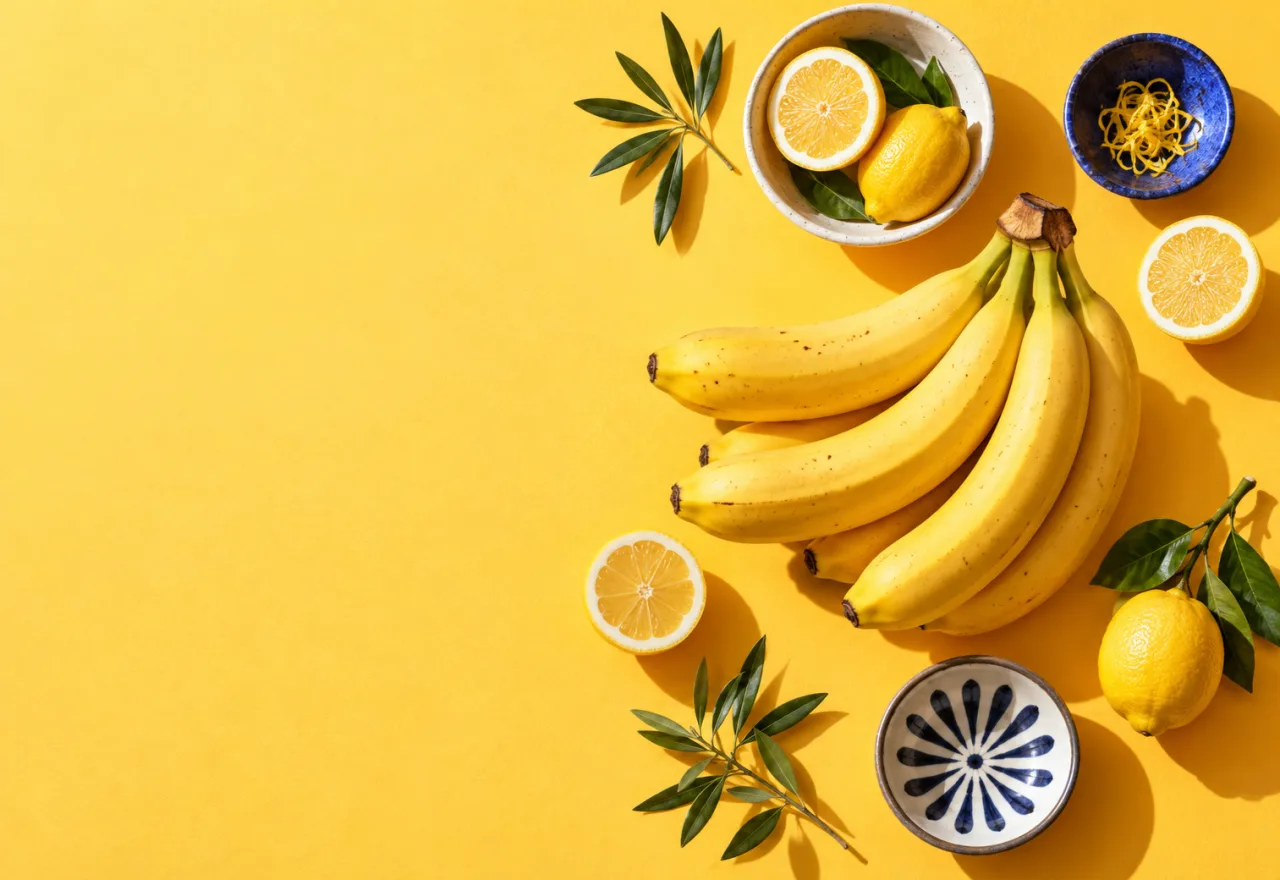
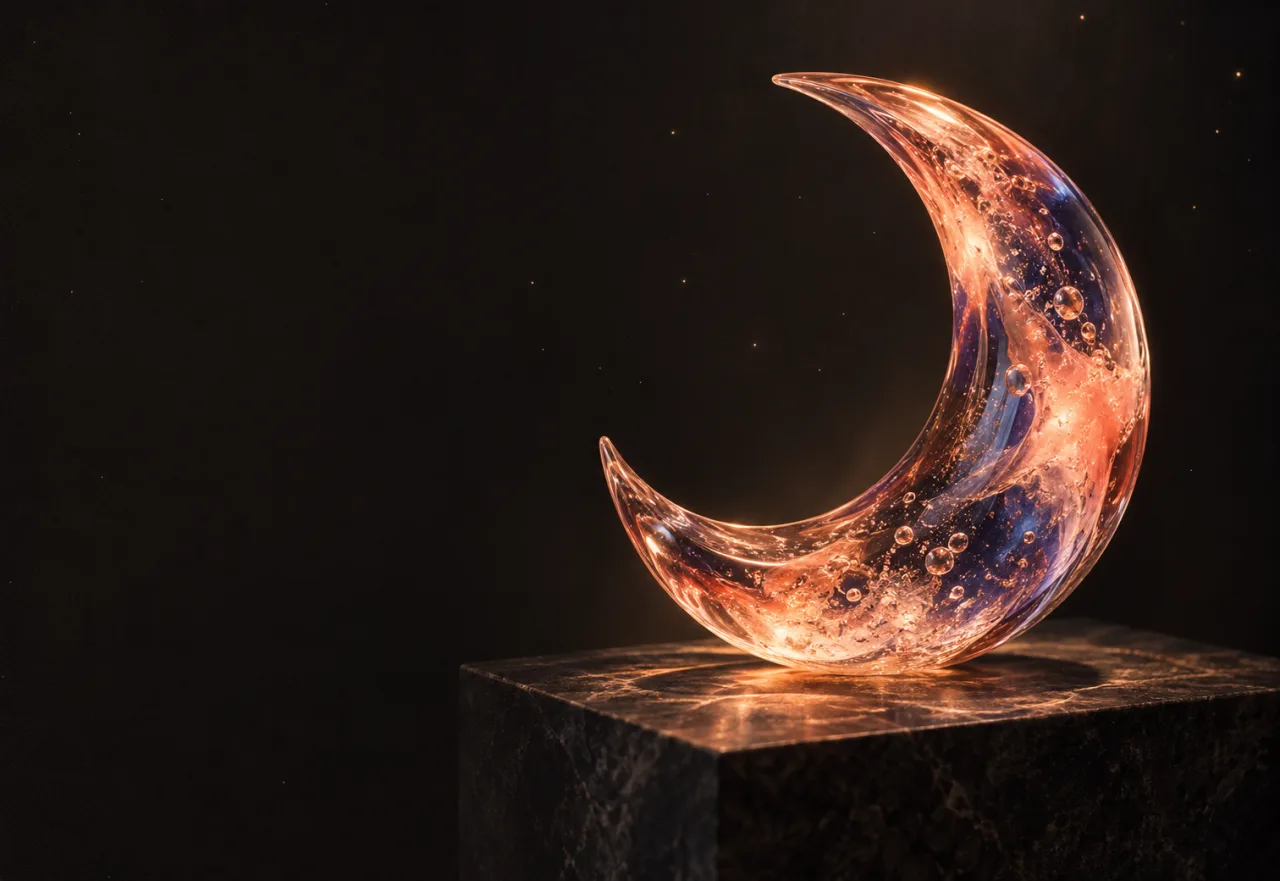
참고 이미지: 앞서 생성한 메뉴 카드
Nano Banana 2.1 편집 · 1K

APIKO 직접 테스트 · 1K 편집 · C2PA: Google LLC

일관된 반복 편집

참고 이미지를 주고 무엇을 바꾸고 무엇을 그대로 둘지 적으세요. 이 예시는 나무 테이블을 회색 대리석으로 바꾸고 라테를 더했으며, 메뉴 카드와 가격은 그대로입니다.

APIKO에서는 요청 한 번에 참고 이미지를 최대 14장까지 넣을 수 있습니다. 계속 다듬으려면 직전 결과를 다시 참고 이미지로 보내세요.

프롬프트 (원문)

Keep the menu card and every word on it unchanged. Replace the wooden table with grey marble and add a latte beside the card.

thinking_level: minimal
thinking_level: high

APIKO 직접 테스트 · 같은 프롬프트, 사고 수준 2단계 · C2PA: Google LLC

까다로운 레이아웃을 위한 사고 수준

thinking_level은 그리기 전에 얼마나 추론할지 정합니다(minimal, medium, high, 생략 시 모델이 결정). 이 메뉴 프롬프트에서는 두 수준 모두 모든 줄을 정확히 썼습니다. 글자가 많고 레이아웃이 복잡할수록 높이세요.

APIKO에서는 모든 수준의 가격이 같습니다. 플레이그라운드의 추가 파라미터에서 설정하세요.

프롬프트 (원문)

A flat lay photo of a printed cafe menu card on a wooden table. The card reads, exactly: title "HARBOR BEANS", then three lines "Flat White $4.50", "Cold Brew $5.25", "Cardamom Bun $3.75", and a footer "Open daily 7am - 3pm". Natural window light.

web_search · 3:4
image_search · 16:9

APIKO 직접 테스트 · 1K · C2PA: Google LLC

Google 검색 기반 생성

web_search를 켜면 모델이 그리기 전에 Google을 검색합니다. 이 도쿄 날씨 포스터의 응답에는 검색 근거가 함께 왔습니다. image_search는 Google 이미지 검색 결과를 참고하며, 오른쪽 리알토 다리가 그 예입니다.

두 옵션은 기본으로 꺼져 있으며 APIKO에서는 추가 요금이 없습니다. 게시 전에 날짜와 수치를 확인하세요. 이 포스터는 도쿄 시간 11월 8일 자정 직후에 만들었지만 11월 7일 오후로 표시됐습니다.

프롬프트 (원문)

A poster of today's weather forecast for Tokyo with the real current temperature

8:1 · 2K · 5856×704
8:1 · 1K · 2928×352

APIKO 직접 테스트 · 8:1 · C2PA: Google LLC

8:1 배너부터 1:8 세로 띠까지

auto와 화면비 14종으로 정사각형 게시물, 4:5 피드, 16:9·21:9 메인 이미지, 4:1·8:1·1:4·1:8 초장형 배너까지 만들 수 있어 정사각형 이미지를 잘라 쓸 필요가 없습니다.

직접 테스트에서 8:1은 1K에서 2928×352, 2K에서 5856×704로 나왔습니다.

프롬프트 (원문)

A panoramic city skyline at dusk along a river, warm windows, no text.

Nano Banana 2.1이 잘 맞는 작업

포스터와 광고 크리에이티브

헤드라인과 태그라인이 이미지 안에 렌더링된 제품 히어로 이미지로, 출시나 캠페인에 바로 활용할 수 있습니다.

2Kthinking_level: high

반복 수정하는 제품 이미지

제품, 조명, 장면은 그대로 둔 채 하나의 제품 사진을 여러 번에 걸쳐 다듬습니다.

images ≤ 142K

시의성 있는 비주얼

행사 요약, 날씨, 뉴스 속 장소처럼 최신 사실에 기반한 그래픽에는 web_search를 켜세요.

web_search1K

배너와 특수 규격

웹사이트 띠 배너, 스토리 화면, 마켓플레이스 배너를 8:1부터 1:8까지, 정사각형 이미지를 자르지 않고도 바로 만들 수 있습니다.

8:1 / 1:82K

Nano Banana 2.1 사양

nano-banana-2.1 요청 본문의 모든 필드입니다. 기본값은 API 기준입니다.

modelstring

모델 ID이며 nano-banana-2.1로 고정입니다.

기본값: 필수

promptstring

그릴 장면 설명입니다. 들어가야 할 글자는 따옴표 안에 적으세요.

기본값: 필수

sizeenum

화면비: auto, 1:1, 1:4, 4:1, 1:8, 8:1, 2:3, 3:2, 3:4, 4:3, 4:5, 5:4, 9:16, 16:9, 21:9. 편집에서 생략하면 참고 이미지의 비율을 따릅니다.

기본값: 1:1

resolutionenum

1k, 2k, 4k 중 선택하며 단계별로 과금합니다.

기본값: 1k

imagesarray

참고 이미지의 공개 HTTPS 링크 1–14개이며, POST /v1/images/edits에서는 필수입니다.

기본값: 생략

thinking_levelenum

생성 전 추론 정도: minimal, medium, high. 생략하면 모델이 정합니다.

기본값: 생략

web_searchboolean

Google 웹 검색 결과로 생성을 보강합니다(시사, 실제 장소). 추가 요금은 없습니다.

기본값: false

image_searchboolean

Google 이미지 검색 결과를 시각 참고로 씁니다. 추가 요금은 없습니다.

기본값: false

ninteger

요청당 1장입니다.

기본값: 1

asyncboolean

true이면 작업 ID를 바로 반환하며 GET /v1/tasks/{id}로 결과를 조회합니다.

기본값: false

response_formatenum

url(24시간 유지되는 서명 링크) 또는 b64_json입니다.

기본값: url

callback_urlstring

작업이 끝나면 이 HTTPS 주소로 알립니다. 없으면 작업 상태를 직접 조회합니다.

기본값: 생략

nano-banana-2.1 사용 방법

아이디어를 작성하고 필요하면 참조 이미지를 추가해, 세 단계로 이미지를 만들어 보세요.

01

주제와 장면 설명

주제, 배경, 목표를 먼저 쓰고 재질, 조명, 카메라, 이미지에 들어가야 할 텍스트를 추가하세요.

02

출력 선택

텍스트로 생성하거나 참조 이미지 URL을 추가해 편집하세요. 비율과 해상도를 선택하며, 실행할 때마다 이미지 한 장이 반환됩니다.

03

확인 후 API 호출

여기서 결과를 확인한 뒤 같은 프롬프트와 모델 ID로 비동기 작업을 생성하세요.

Nano Banana 2.1 API 빠른 시작

두 방법 모두 같은 API 키와 잔액을 씁니다. 직접 코드에서 API를 호출하거나, Claude Code·Codex가 APIKO MCP로 대신 호출하게 할 수 있습니다.

방법 1 · 코드에서 API 호출

적합: 제품 백엔드, 배치 작업, 자동화

1

인증

콘솔에서 API 키를 만들어 환경 변수 APIKO_API_KEY에 넣고, 요청마다 Authorization: Bearer <key> 헤더를 보냅니다.

2

nano-banana-2.1 작업 제출

POST /v1/images/generations로 모델 ID, 프롬프트, async: true를 보내면 작업 ID를 바로 받습니다.

3

결과 조회

GET /v1/tasks/{id}를 상태가 completed가 될 때까지 폴링한 뒤 data[0].url을 읽으세요. 결과 링크는 24시간 후 만료되니 제때 내려받으세요.

전체 API 문서 보기
POST /v1/images/generations
TASK_ID=$(curl https://api.apiko.app/v1/images/generations \
  -H "Authorization: Bearer $APIKO_API_KEY" \
  -H "Content-Type: application/json" \
  -d '{
  "model": "nano-banana-2.1",
  "prompt": "Create an award-worthy creative advertising poster with the concept: “One banana, an entire future world.”\nThe hero subject is a large, ripe banana resting on a pale cream photography surface, occupying approximately the right two-thirds of the composition. Its naturally curved peel has realistic fine fibers, tiny freckles, and a subtle organic sheen. It must look like a real banana, never a plastic toy.\nOne side of the banana is elegantly peeled open, with three strips of peel draping naturally onto the surface. Inside, instead of ordinary fruit, reveal a beautifully crafted miniature futuristic city: transparent glass buildings, elevated walkways, small botanical conservatories, and a flowing blue canal. The buildings follow the inner curve of the banana. Every structure sits convincingly within the banana, with coherent perspective and believable spatial relationships.\nA tiny pedestrian bridge extends from the city onto the photography surface. At the end of the bridge, a miniature person wearing a yellow raincoat looks up at the city, creating a striking sense of scale. Warm light glows from the buildings, revealing distinct textures across glass, water, plants, and banana peel.\nCombine luxury product photography with highly detailed miniature architectural photography. Use soft side and back lighting, natural contact shadows, and crisp detail throughout the banana and miniature city. Keep the background clean. The palette consists of cream white, banana yellow, and restrained accents of icy blue. The scene should feel imaginative while maintaining realistic optics and lighting.\nReserve the left side for elegant typography. Render exactly the following English text:\nSmall heading at the top:\n“NANO BANANA 2.1”\nLarge headline in the middle, arranged on two lines:\n“SMALL BANANA.”\n“BIG IMAGINATION.”\nSmaller supporting line underneath:\n“Give every idea a world of detail.”\nBrand signature at the bottom left:\n“APIKO”\nAll text must be spelled correctly, sharp, and clearly readable. Use refined modern sans-serif typography with consistent alignment, generous spacing, and a strong visual hierarchy. Do not add any other words, duplicate letters, random symbols, or extra logos. Typography must never overlap the banana.\nThe final image should look ready for a premium brand launch: a striking hero subject, bold composition, intricate details, and restrained editorial typography. Avoid cluttered backgrounds, excessive glow, generic science-fiction imagery, and cartoon styling.\nLandscape composition, 16:9 aspect ratio.",
  "size": "1:1",
  "resolution": "1k",
  "async": true
}' | python3 -c 'import json,sys; print(json.load(sys.stdin)["id"])')

while :; do
  TASK=$(curl -s https://api.apiko.app/v1/tasks/$TASK_ID \
    -H "Authorization: Bearer $APIKO_API_KEY")
  printf '%s\n' "$TASK"
  printf '%s' "$TASK" | grep -qE '"status": *"(completed|failed)"|"error": *\{' && break
  sleep 5
done

방법 2 · Claude Code나 Codex에서 호출

적합: 빠른 영상 제작, 프롬프트 테스트, 에이전트에게 연동 맡기기

1

APIKO MCP 설치

키는 환경 변수에 두고 대화창에 붙여 넣지 마세요.

2

에이전트에게 원하는 것 말하기

장면, 비율, 크기, 품질과 예산 한도를 알려 주세요.

3

에이전트가 견적, 제출, 추적

estimate_cost로 가격을 확인한 뒤 generate_image로 제출하고 이미지 링크를 전달합니다.

# Claude Code

claude mcp add apiko --scope user -e APIKO_API_KEY=sk-... -- npx -y apiko-mcp

# Codex

codex mcp add apiko --env APIKO_API_KEY=sk-... -- npx -y apiko-mcp

에이전트 프롬프트

APIKO의 nano-banana-2.1로 이미지 1장을 생성해 주세요: 1K, 1:1. 프롬프트: <여기에 장면 설명>. 먼저 estimate_cost로 가격을 확인하고 $1를 넘으면 물어봐 주세요. 확인 후 generate_image로 제출해 이미지 링크를 보내 주세요. 실패하면 이유를 알려 주세요.

Nano Banana 2.1로 이미지 만들기

이 페이지의 플레이그라운드에서 프롬프트, 비율, 해상도, 사고 수준, 검색 그라운딩을 시험해 본 뒤, 같은 모델 ID로 APIKO API를 호출하세요.

API 키 발급

더 많은 Google 모델

APIKO에서 Google의 이미지 및 텍스트 모델을 살펴보고 작업별로 적합한 모델을 선택하세요.

Nano Banana 2.1 자주 묻는 질문

Nano Banana 2.1은 무엇이고 언제 출시되었나요?

Nano Banana 2.1은 Google의 이미지 생성·편집 모델로, Nano Banana 2의 후속으로 2026년 10월 6일 출시되었습니다. APIKO의 모델 ID는 nano-banana-2.1입니다.

Nano Banana 2와는 무엇이 다른가요?

Google에 따르면 전반적인 화질, 타이포그래피와 텍스트 렌더링, 여러 차례 편집 시의 일관성이 개선되었습니다. APIKO에서 지원하는 파라미터도 확대되었습니다. 비율은 8가지에서 14가지와 auto로, 참조 이미지는 9장에서 최대 14장으로 늘고, thinking_level과 web_search·image_search 그라운딩이 추가되었습니다.

어떤 해상도와 화면 비율을 지원하나요?

resolution은 1k, 2k, 4k(기본값 1k)입니다. size는 1:1, 1:4, 4:1, 1:8, 8:1, 2:3, 3:2, 3:4, 4:3, 4:5, 5:4, 9:16, 16:9, 21:9 또는 모델이 고르는 auto를 받습니다. size가 없으면 생성은 1:1, 편집은 참조 이미지의 비율을 따릅니다. 비율이 서로 다른 참조 이미지를 여러 장 보내면 모델이 하나를 고르므로, 비율을 고정하려면 size를 보내세요.

thinking_level은 무엇을 하나요?

그리기 전에 모델이 얼마나 추론할지를 minimal, medium, high 중에서 정합니다. 생략하면 모델 기본값을 씁니다. 높은 수준은 빽빽한 텍스트와 복잡한 레이아웃에 도움이 될 수 있으며, 모든 수준의 가격이 같습니다.

Google 검색을 쓸 수 있나요? 추가 요금이 있나요?

네. "web_search": true를 보내면 Google 검색 결과(최신 뉴스, 실제 장소, 사실 정보)를 바탕으로 이미지를 만들고, "image_search": true를 보내면 Google 이미지 검색 결과를 시각적 참조로 사용합니다. 둘 다 기본값은 false(꺼짐)입니다. Google 자체 API는 검색 그라운딩을 별도로 과금하지만, APIKO에서는 어느 쪽을 켜도 가격이 바뀌지 않습니다.

참조 이미지는 몇 장까지 보낼 수 있나요?

POST /v1/images/edits에서 최대 14장이며, 각각 이미지 파일을 가리키는 공개 HTTPS URL이어야 합니다. 파일 업로드, base64, data URL은 받지 않습니다. 로컬 이미지는 먼저 POST /v1/uploads/images로 업로드한 뒤 반환된 URL(72시간 보관)을 사용하세요.

APIKO에서 Nano Banana 2.1의 가격은 어떻게 책정되나요?

해상도 등급에 따라 이미지당 과금되며, 1K가 가장 저렴하고 4K가 가장 비쌉니다. thinking_level과 검색 그라운딩은 가격에 영향을 주지 않으며, 실패한 작업은 환불됩니다. 가격 탭에서 등급별 실시간 가격을 Google 정가와 나란히 볼 수 있습니다.

동기 방식인가요, 비동기 방식인가요?

둘 다 지원합니다. "async": true를 보내면 작업 ID를 바로 받고 GET /v1/tasks/{id}를 폴링하거나, 공개 HTTPS callback_url을 추가해 작업이 끝나면 알림을 받을 수 있습니다. 결과 링크는 24시간 동안 유지됩니다.

인페인팅용 마스크를 지원하나요?

아니요. Nano Banana 2.1은 mask 필드를 받으면 HTTP 400(mask is not supported)을 반환합니다. 한 영역만 바꾸려면 이미지를 POST /v1/images/edits에 참조 이미지로 보내고, 무엇을 어디에서 바꿀지 프롬프트에 설명하세요. 그 자리에 들어갈 것을 보여 주는 참조 이미지를 추가로 넣을 수도 있습니다.

Nano Banana 2.1의 과금 방식은 어떻게 되나요?

성공한 호출마다 공개된 호출당 요금 또는 선택한 구간 요금으로 한 번 과금됩니다. 환불 규칙은 아래의 실패한 요청 관련 질문을 참고하세요.

OpenAI와 호환되나요?

네. 게이트웨이 base URL과 API 키를 사용해 모델별 이미지/영상 엔드포인트로 위에 표시된 추가 필드와 함께 요청하세요.

API 키는 어떻게 받나요?

회원가입 후 콘솔에서 API 키를 만드세요. API 키 하나로 게이트웨이의 모든 모델을 호출할 수 있습니다.

Nano Banana 2.1 API를 무료로 써 볼 수 있나요?

네. Gmail 계정으로 Google 로그인하면 신용카드 등록 없이 $0.20 체험 크레딧이 잔액에 추가됩니다. 1인당 한 번만 제공되며 nano-banana-2.1 포함 모든 모델에서 쓸 수 있습니다.

생성된 파일은 어떻게 받나요?

이미지는 비동기로 처리됩니다. 요청을 제출하고 GET /v1/tasks/<id>를 폴링한 뒤 data[0].url을 읽으세요. 영상도 비동기입니다. GET /v1/videos/<id>를 폴링한 뒤 video_url을 다운로드하세요. APIKO 서명 링크는 24시간 동안 유지됩니다.

요청이 실패하면 어떻게 되나요?

실패하거나 오류가 난 호출에는 요금이 부과되지 않습니다. 다시 시도해 보고, 문제가 계속되면 오른쪽 아래 실시간 채팅으로 문의해 주세요.

페이지 업데이트