 Gemini 4 Neon

 Provider Alibaba



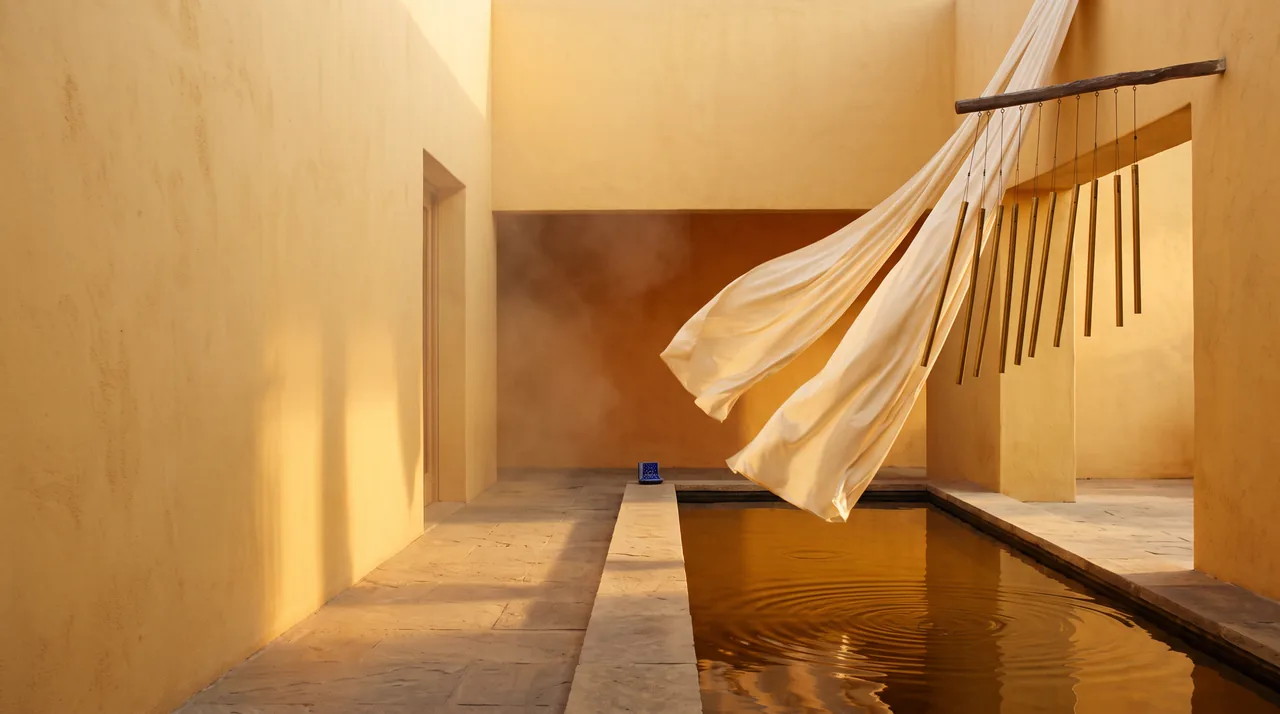

Subject and scene
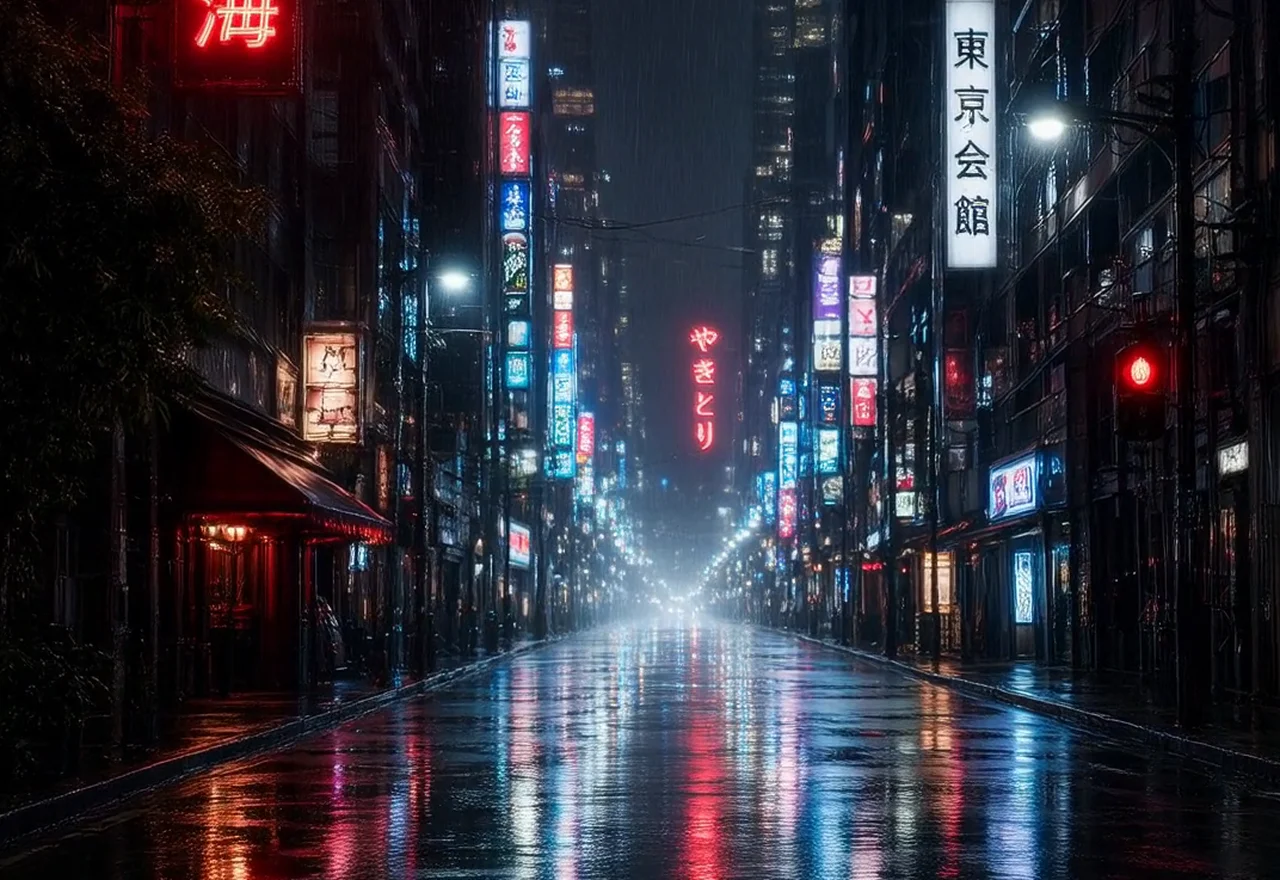
Action order
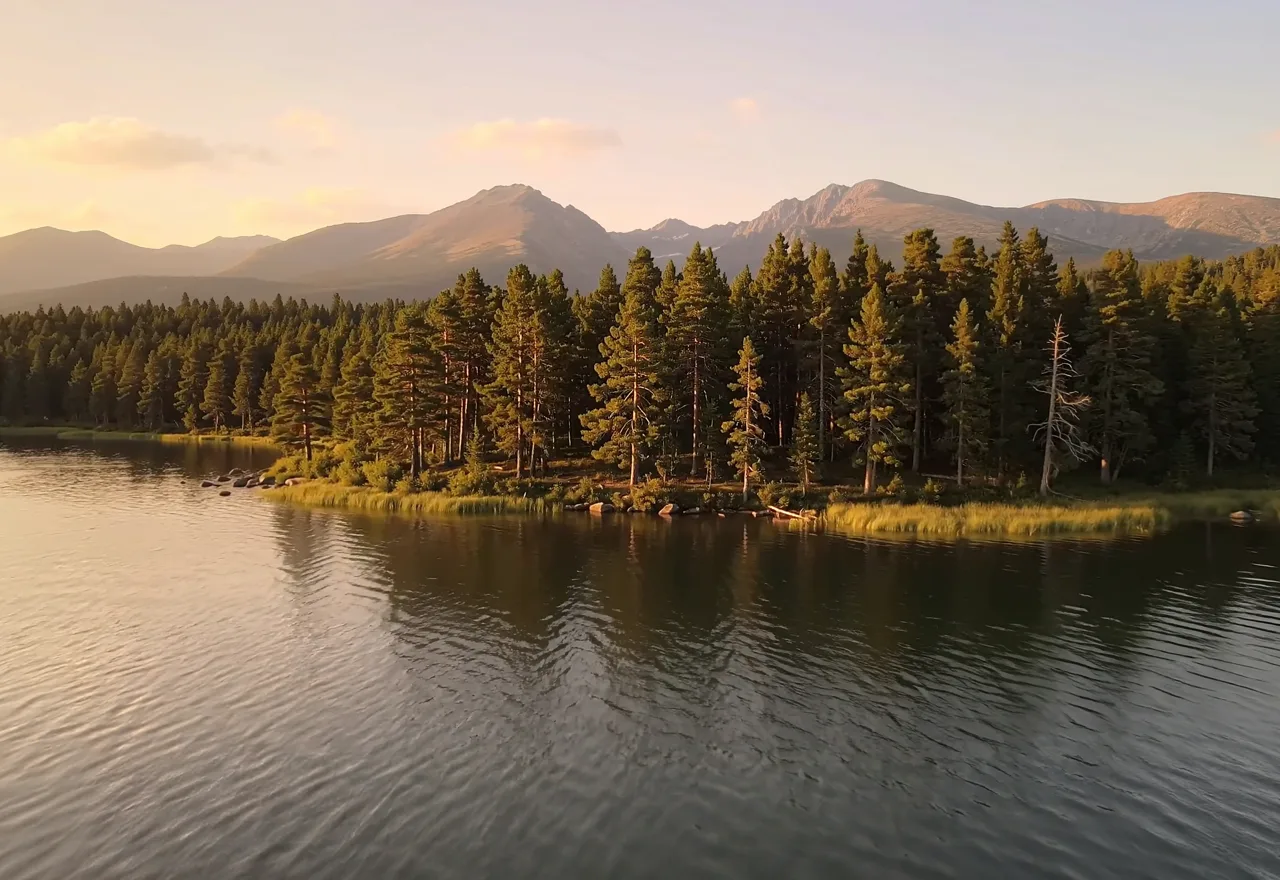
Camera path
01
Set the subject, the action and the camera
Put the subject and scene first, then describe the action in order, the camera direction and its speed; say no cuts for one continuous shot.
Wan 3.0 Text-to-Video turns a text prompt into a 2–30-second video at 480P, 720P, 1080P, billed per second.
Pricing
720P output
Price change (from Nov 15, 2026): to keep Wan 3.0 jobs reliable, we moved it to a more stable provider route, which costs more at higher resolutions. 720p is now $0.077/s (was $0.070) and 1080p $0.154/s (was $0.140); 480p stays $0.0429/s.
Choose 2–30 seconds in 1-second steps.
Result links are signed and kept for 24 hours — download anything you want to keep. Failed tasks are refunded in full.
Choose by input, output specs, control and budget.
First and last frame
Wan 3.0 image-to-video: pin the first frame, and optionally the last, for 2–30-second clips at up to 1080p, billed per second.
Image, video and audio references
Wan 3.0 reference-to-video: combine up to 10 images, 5 video clips and 5 audio clips into one 2–30-second clip; reference video length is billed.
High-speed edition
Wan 3.0 Prime, the high-speed edition, for text-to-video: the same 2–30-second, 480p–1080p parameters as Standard.
Kling
Kling 4.0 by Kuaishou: text, up to 10 images and 5 videos in, 3–30-second video with synchronized sound and lip sync out, at 720p or 1080p.
BytePlus
Seedance 2.5 by ByteDance: text, first/last frames or up to 30 images, 10 videos and 10 audio clips in, 4–30-second video with sound out, up to 1080p.
MiniMax
MiniMax H3 video at 480p, 768p or 2K: 4–15-second clips with native stereo sound, from text, first/last frames, or image, video and audio references.
xAI
xAI's Grok Imagine Video 1.5 at 480p, 720p or 1080p: 1–15-second clips with sound generated alongside, from text or a first frame (with an optional last frame).
Google's Gemini Omni 1.1 Flash at 720p, 1080p or 4K: 4-, 6-, 8- or 10-second clips with sound generated alongside, from text, a first frame (with an optional last frame) or up to 7 reference images.
Wan 3.0 Text-to-Video generates 2–30-second videos at 480P, 720P, 1080P in adaptive, 16:9, 9:16, 1:1, from Alibaba's Tongyi Wanxiang 3.0.
It takes a prompt only. For a fixed first or last frame use Wan 3.0 Image-to-Video; to mix image, video and audio references use Wan 3.0 Reference-to-Video. wan3.0-text-to-video
The specs below follow the current request contract of wan3.0-text-to-video.
480P: $0.0429/s720P: $0.0770/s1080P: $0.1540/sBilled per output second at the chosen resolution.
Check the shot at 480P first, then switch to 1080P.
Put the subject and scene first, then describe the action in order, the camera direction and its speed; say no cuts for one continuous shot.
Draft
5 s · 480P
Final
2–30 s · 1080P
Check subject motion and continuity at 5 s · 480P, then choose 2–30 s · 1080P.
Confirm motion and consistency here, then create an async task with the same model ID wan3.0-text-to-video.
Copy a request, swap in your API key and asset URLs, and you are integrated. Full parameters, callbacks and result queries are in the docs.
POST /v1/videoswan3.0-text-to-videoTASK_ID=$(curl https://api.apiko.app/v1/videos \
-H "Authorization: Bearer $APIKO_API_KEY" \
-H "Content-Type: application/json" \
-d '{
"model": "wan3.0-text-to-video",
"prompt": "A paper boat drifting across a calm lake at sunrise, soft mist, slow cinematic camera move, no cuts.",
"duration": 5,
"resolution": "720p",
"aspect_ratio": "16:9"
}' | python3 -c 'import json,sys; print(json.load(sys.stdin)["id"])')
while :; do
TASK=$(curl -s https://api.apiko.app/v1/videos/$TASK_ID \
-H "Authorization: Bearer $APIKO_API_KEY")
printf '%s\n' "$TASK"
printf '%s' "$TASK" | grep -qE '"status": *"(completed|failed)"|"error": *\{' && break
sleep 5
doneThe create request returns a task id right away; the video is generated in the background — poll GET /v1/videos/{id} for the result.
Read the full API docsComparing models and price tiers?
See live prices for every modelNo. wan3.0-text-to-video takes a text prompt only; for a fixed first frame use Wan 3.0 Image-to-Video.
2–30 seconds (default 5), 480P, 720P, 1080P (default 720P), aspect ratios adaptive, 16:9, 9:16, 1:1.
They take the same parameters, defaults and limits; Prime is the high-speed edition and has its own per-second price.
By output duration at the published per-second rate and selected tier. See the failed-request question below for the refund rule.
Yes. Use the gateway base URL and your API key with the model-specific image/video endpoint and the additional fields shown above.
Sign up, then create an API key in your console. One API key can call every model on the gateway.
Yes. Sign in with Google using a Gmail address and $0.20 of trial credit is added to your balance, no card needed, once per person. It works on wan3.0-text-to-video and every other model.
Images are asynchronous: submit the request, poll GET /v1/tasks/<id>, then read data[0].url. Videos are asynchronous: poll GET /v1/videos/<id>, then download video_url. APIKO-signed links are kept for 24 hours.
You are not billed for failed or errored calls. Retry, and if it keeps failing, contact us via the live chat at the bottom right of the page.