Back to models
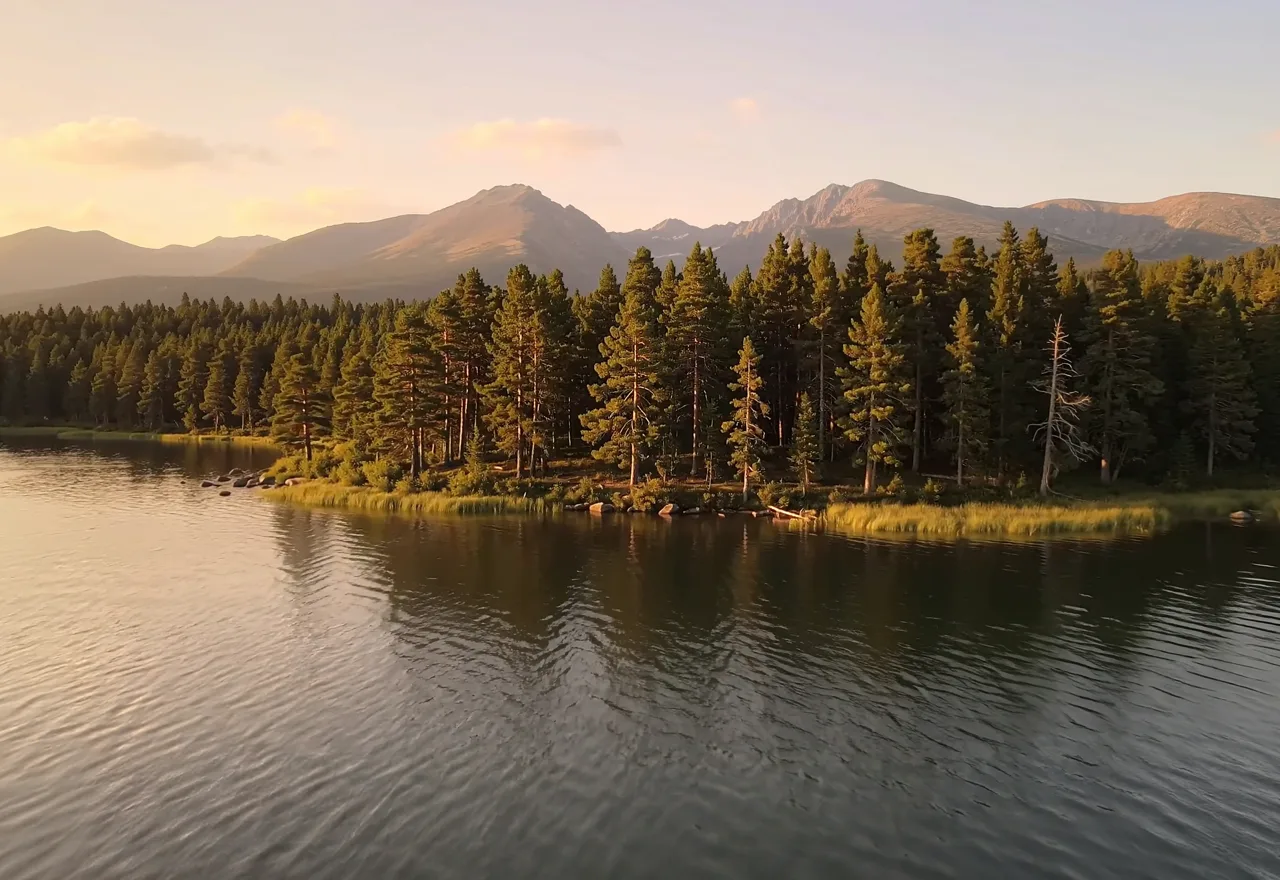
Kling 4.0 Flash · key art

Kling 4.0 Flash API

Operational
Kuaishou · Klingvideo model

Generate 3–20 seconds of 720p video with sound from a prompt, a first frame, reference images or reference video.

Pricing

720P output

$0.1114/ output sec

Input

100 / 8000
Duration5 s
3 s1-second steps20 s

Choose 3–20 seconds in 1-second steps.

Resolution
Aspect ratio

More parameters

Media

Upload a file or paste a direct link

A link must open the file itself (ending in .mp4, .mov, .jpg, .mp3…), not a YouTube, cloud-drive or other web page.

First frame

Used exactly as the first frame of the video.

Upload fileJPEG, PNG or WebP
Reference imagesUp to 10

Subjects or scenes; the prompt refers to them as Image 1, Image 2…

Upload fileJPEG, PNG or WebP
Reference videosUp to 5

mp4 or mov file (upload, or a direct file link); 3–20 s each and 20 s in total; reference video length is billed. The prompt refers to them as Video 1…

Upload fileMP4 or MOV, up to 90 MB
Estimated cost$0.5571$0.1114/s × 5 s × 720P

Output

Run to see the result here

Result links are signed and kept for 24 hours — download anything you want to keep. Failed tasks are refunded in full.

Know the cost before you top up

How much does one run cost?

Your balance and every charge are in US dollars.

Your first test

720P · 3 s

$0.334/ clip

Text and image runs bill by output seconds. Reference-video runs hold the cost of the output plus 20 seconds and settle at the actual billed length.

How many 3-second tests fit your budget?

$10Try short shots first, then spend longer runs on the prompts you want to keep.
about 29 clips
$50One round of creative iteration to find the shots that work
about 149 clips
$100Small-scale production
about 299 clips

From $5 · the balance never expires

Top up →

Common costs

First frame to video

720P · 3 s

$0.334

3 s billed

Full single shot

720P · 20 s

$2.229

20 s billed

Reference video to video

3 s output + 3 s reference · 720P

$0.446

6 s billed

ResolutionPer secondWith reference video, per secondOfficial per second
720P$0.1114$0.0743$0.0940

With reference video, billed seconds are output seconds plus the greater of output seconds and rounded-up total reference seconds.

About Kling 4.0 Flash

Start with text, an image or a video

A prompt sets the shot. Use a first frame to set the opening composition, reference images to guide the subject, or reference video to guide motion.

Kling 4.0 Flash in action

Each one has a sample with sound; fields and limits are in the parameter list below.

With sound · 3 s · 720p · $0.33Generated through APIKO

Text to video

A short prompt sets the paper boat, the steady camera and the sound of running water.

Prompt (as sent)

A folded paper boat drifts slowly down a shallow stream. Quiet natural daylight, a short steady camera move and softly running water.

With sound · 3 s · 720p · $0.33Generated through APIKO

First frame to video

The supplied image sets the starting composition while the camera moves into the night market.

Prompt (as sent)

A gentle camera push into the night market. Steam drifts slowly across the frame.

With sound · 6 s at the reference-video rate · $0.45Generated through APIKO

Reference video to video

The reference clip guides the tracking movement and the prompt specifies the close-up.

Prompt (as sent)

Follow the slow tracking movement in the reference video. End with a close-up of the steam above the stall.

Where Flash fits

Test a shot idea

Compare prompts with short clips before using the full 20 seconds.

Text prompt3 s720P

Animate a product or scene image

Start with the composition you want and describe only the motion you need.

One first frameAspect ratio follows the image

Recreate a camera move

Use a short clip with a distinct move to carry motion into a new shot.

Reference videoUp to 20 s total

Keep a subject in view

Use reference images to guide the subject or setting across shots.

Up to 10 reference imagesSubject or setting

Kling 4.0 Flash specs

Every field of the kling-4.0-flash request body.

modelstring

kling-4.0-flash

Default: required

promptstring

Describe the subject, action, camera and sound in up to 8,000 characters.

Default: required

durationinteger

Output length 3–20 s in 1 s steps. OpenAI’s seconds field is accepted too.

Default: 5

resolutionenum

720p; sets the per-second price.

Default: 720p

aspect_ratioenum

adaptive / 16:9 / 9:16 / 1:1 / 21:9

Default: adaptive

first_image_urlstring

Use one HTTPS image. Its aspect ratio sets the output. Send the first frame on its own.

Default: omit

reference_image_urlsarray

Up to 10 HTTPS image URLs. Each image needs at least 300 pixels on both sides and an aspect ratio between 2:5 and 5:2.

Default: omit

reference_videosarray

Up to 5 HTTPS video URLs. Each reference needs at least 3 seconds and the total can be up to 20 seconds.

Default: omit

callback_urlstring

An HTTPS URL notified when the task finishes; without it, poll the task.

Default: omit

How to use Kling 4.0 Flash

Settle the prompt on one video, then send the same request from your code.

01

Set the subject, the action and the camera

Put the subject and scene first, then describe the action in order, the camera direction and its speed; say no cuts for one continuous shot.

02

Choose duration, resolution and ratio

Check subject motion and continuity at 5 s · 720P, then pick the length you need (3 s / 20 s).

03

Verify, then call the API

Confirm motion and consistency here, then create an async task with the same model ID kling-4.0-flash.

Kling 4.0 Flash API quickstart

Two ways in, one API key and one balance: call the API from your own code, or let Claude Code or Codex call it for you through the APIKO MCP.

Option 1 · Call the API from your code

For: product backends, batch jobs, automation

1

Authenticate

Create an API key in the console, keep it in the APIKO_API_KEY environment variable and send Authorization: Bearer <key> with every request.

2

Submit a kling-4.0-flash task

Send the model ID and prompt to POST /v1/videos; it returns the task id right away. Other fields are in the parameter list above.

3

Get the result

Poll GET /v1/videos/{id}; when status is completed, take the video URL. Or pass callback_url and wait for the call. Links last 24 hours, so download what you keep.

Read the full API docs
POST /v1/videos
TASK_ID=$(curl https://api.apiko.app/v1/videos \
  -H "Authorization: Bearer $APIKO_API_KEY" \
  -H "Content-Type: application/json" \
  -d '{
  "model": "kling-4.0-flash",
  "prompt": "A folded paper boat drifts slowly down a shallow stream. Quiet natural daylight, a short steady camera move and softly running water.",
  "duration": 5,
  "resolution": "720p",
  "aspect_ratio": "16:9"
}' | python3 -c 'import json,sys; print(json.load(sys.stdin)["id"])')

while :; do
  TASK=$(curl -s https://api.apiko.app/v1/videos/$TASK_ID \
    -H "Authorization: Bearer $APIKO_API_KEY")
  printf '%s\n' "$TASK"
  printf '%s' "$TASK" | grep -qE '"status": *"(completed|failed)"|"error": *\{' && break
  sleep 5
done

Option 2 · Call it from Claude Code or Codex

For: quick clips, prompt tests, letting an agent write the integration

1

Install the APIKO MCP

Keep the key in an environment variable, never in the chat.

2

Tell the agent what you want

The scene, lines, length and resolution, plus a budget cap.

3

The agent quotes, submits and follows up

It quotes with estimate_cost, submits with generate_video and follows get_task until it can hand you the link.

# Claude Code

claude mcp add apiko --scope user -e APIKO_API_KEY=sk-... -- npx -y apiko-mcp

# Codex

codex mcp add apiko --env APIKO_API_KEY=sk-... -- npx -y apiko-mcp

Agent prompt

Use the APIKO MCP to generate a 3-second 720p video of a paper boat drifting through a shallow stream with Kling 4.0 Flash. Wait for completion and return the video URL.

MCP setup guide →

Comparing models and price tiers?

See live prices for every model

Kling 4.0 Flash FAQ

Does Kling 4.0 Flash need an image?

No. References are optional: up to 10 images, 5 videos and 0 audio clips as public HTTPS URLs.

Which output specs does Kling 4.0 Flash support?

3–20 seconds (default 5), 720P (default 720P), aspect ratios adaptive, 16:9, 9:16, 1:1, 21:9.

Are reference videos billed?

With reference video, billed seconds are output seconds plus the greater of output seconds and rounded-up total reference seconds.

How is Kling 4.0 Flash billed?

Without reference videos, you pay the published rate for each output second. With reference videos, round their combined duration up to the next whole second when needed. Billed seconds are the output duration plus the greater of the output duration and that rounded total. APIKO holds the cost of the output plus 20 seconds at submission and settles the charge when the video is ready.

Is it OpenAI-compatible?

Yes. Use the gateway base URL and your API key with the model-specific image/video endpoint and the additional fields shown above.

How do I get an API key?

Sign up, then create an API key in your console. One API key can call every model on the gateway.

Is there a free trial for the Kling 4.0 Flash API?

Eligible new accounts receive $0.20 in trial credit. A 3-second 720P Kling 4.0 Flash video costs about $0.334, so the credit alone cannot cover it. Top up from $5 to generate a video.

How do I receive the generated file?

Images are asynchronous: submit the request, poll GET /v1/tasks/<id>, then read data[0].url. Videos are asynchronous: poll GET /v1/videos/<id>, then download video_url. APIKO-signed links are kept for 24 hours.

What if a request fails?

You are not billed for failed or errored calls. Retry, and if it keeps failing, contact us via the live chat at the bottom right of the page.

Page updated